 Reelvana
Go from script to finished video, on your phone
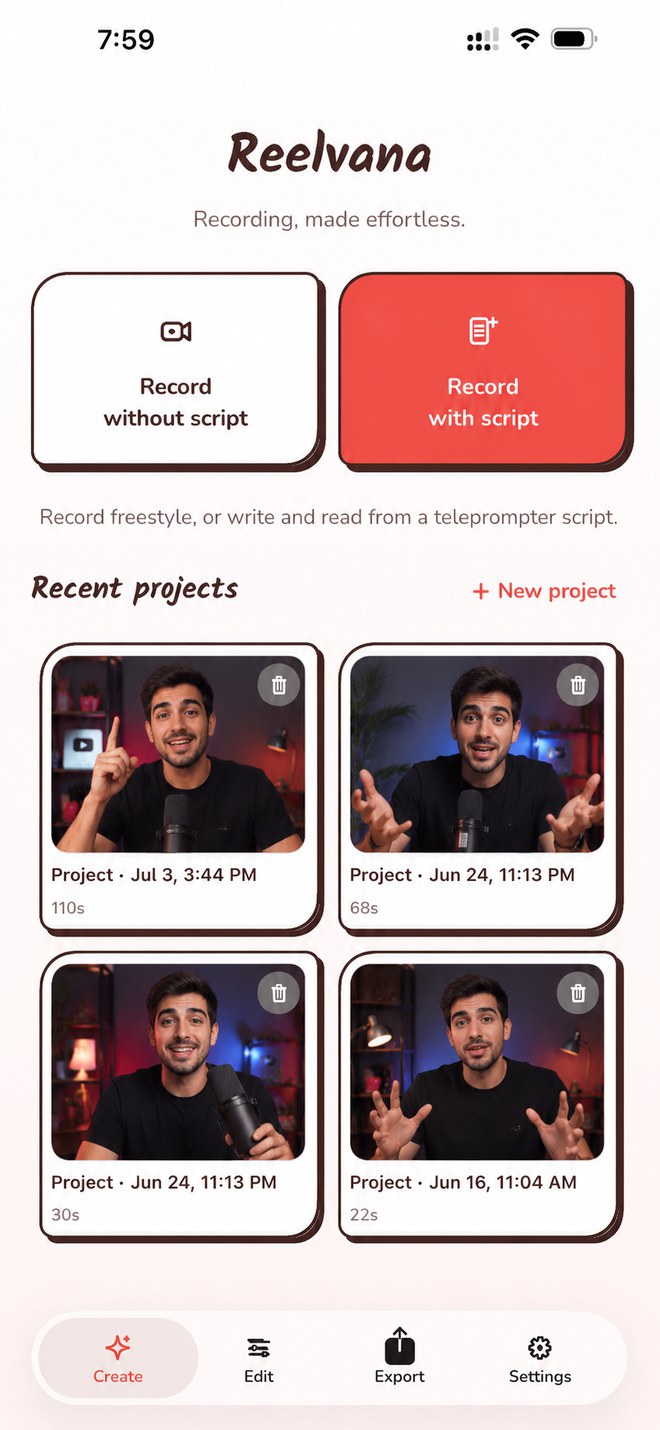
Write the script. Read it off a teleprompter that scrolls while you record. Cut the silences and the filler, caption it, and export, in one session. No account needed, and your video never leaves your phone.
Free on the App Store and Google Play, no account needed (optional sign-in to sync), and Pro adds export up to 4K, no watermark, and premium styles.
One app for the whole take
Here's the whole thing, screen by screen.
A prompter that scrolls at your pace
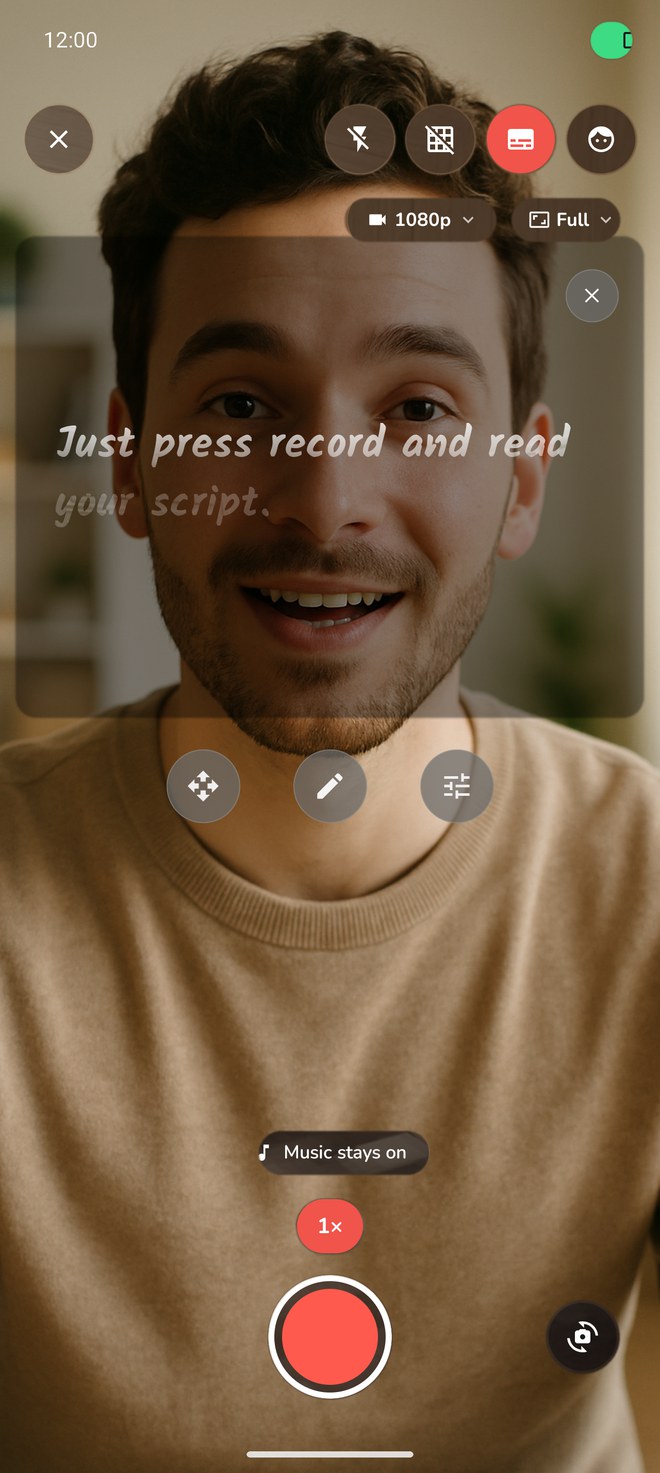
A teleprompter overlay that auto-scrolls your script while you record. You set the reading speed on a words-per-minute slider (80 to 360), the font size, and the text color. Arabic reads right to left automatically, and you can save scripts to a searchable library.
- Reading speed you set on a words-per-minute slider, from 80 to 360
- Set the font size and the text color to suit your shot
- Arabic reads right to left automatically, with a searchable script library
Record with the music on
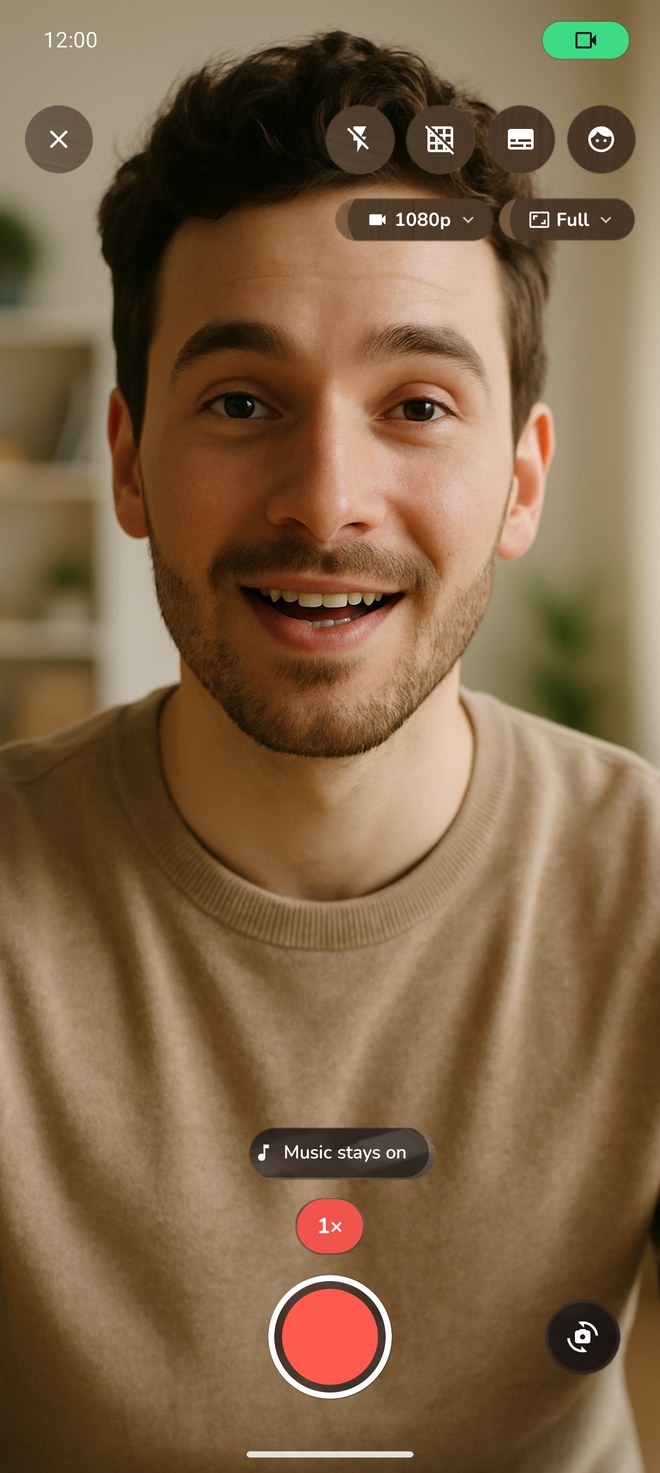
Hit record and your music keeps going. Reelvana films with a mix-with-others session, so your song or backing track keeps playing while you shoot in HD.
- Your music keeps playing while you record
- Every lens your device has, ramped zoom, tap to focus, exposure, torch
- Framing-ratio guides and a grid, all clamped to real hardware
Animated captions, made on device
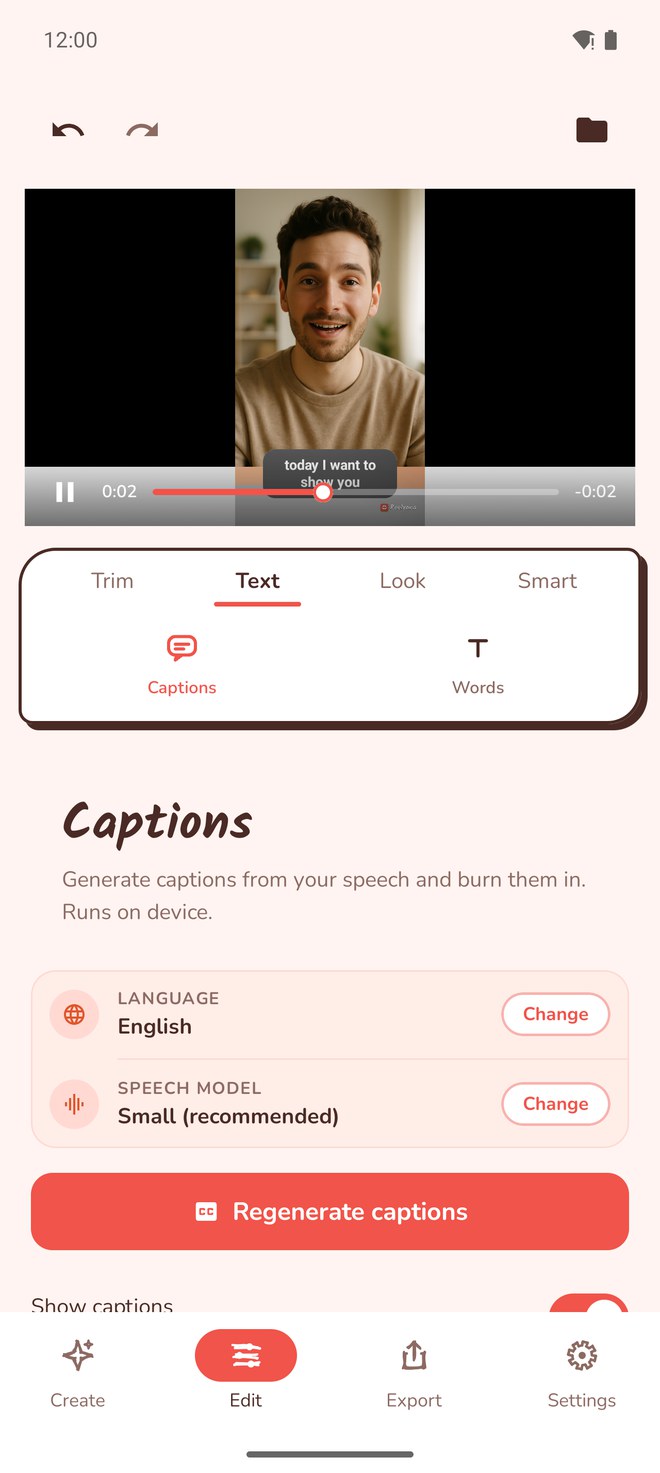
Tap generate and Reelvana transcribes your speech right on the phone, then burns the captions in at export. Pick from a range of styles, including a karaoke highlight that pops word by word as you speak.
- Whisper transcription in English and Arabic, plus an optional cloud model
- Multiple styles with per-word highlight, position, size, and caps
- Choose the model for higher accuracy on dialect
Cut the dead air and the filler
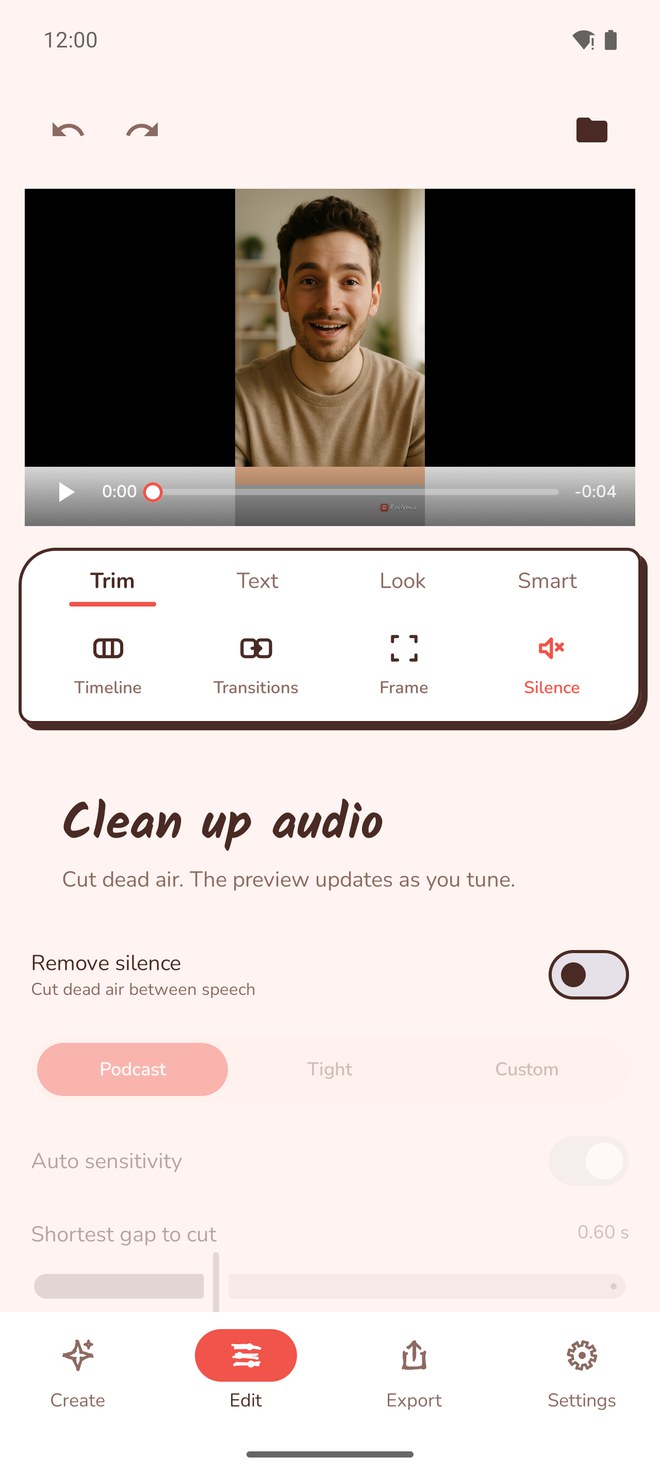
On-device detection finds the quiet gaps and trims them with lead and tail padding, so the cuts breathe instead of clipping your words. Use a preset or tune it and re-run until it feels right.
- Adaptive silence detection, all on device
- Podcast and Tight presets, or tune threshold and padding
- Optional loudness normalization to a consistent level
A real editing timeline
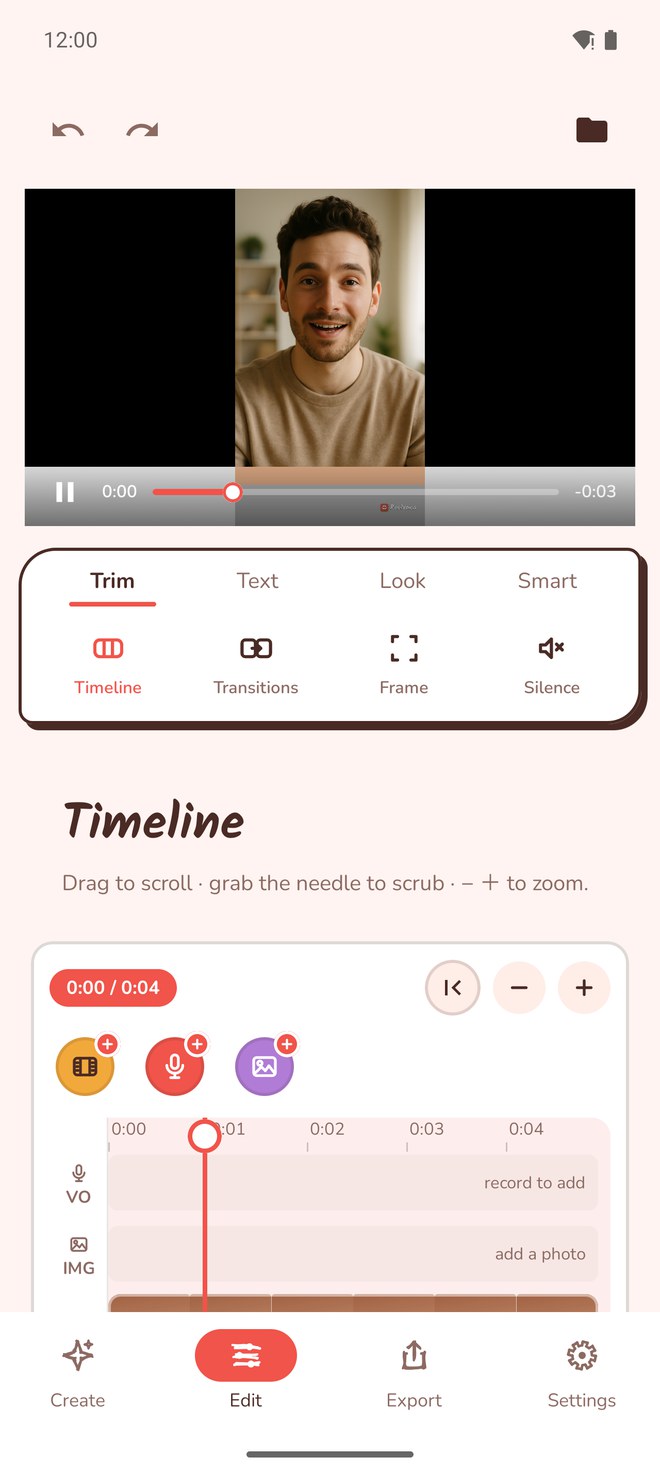
Split, delete, and re-speed parts on a real timeline with thumbnails and a playhead that scrubs the preview. Every edit composes into one decision list, so export is a single clean render, never a stack of lossy passes.
- Split, delete, and change speed per part
- Rotate 90 degrees and lock to 9:16, 1:1, 16:9, 4:5, or the original
- Non-destructive: your original is never touched
Export and share it anywhere
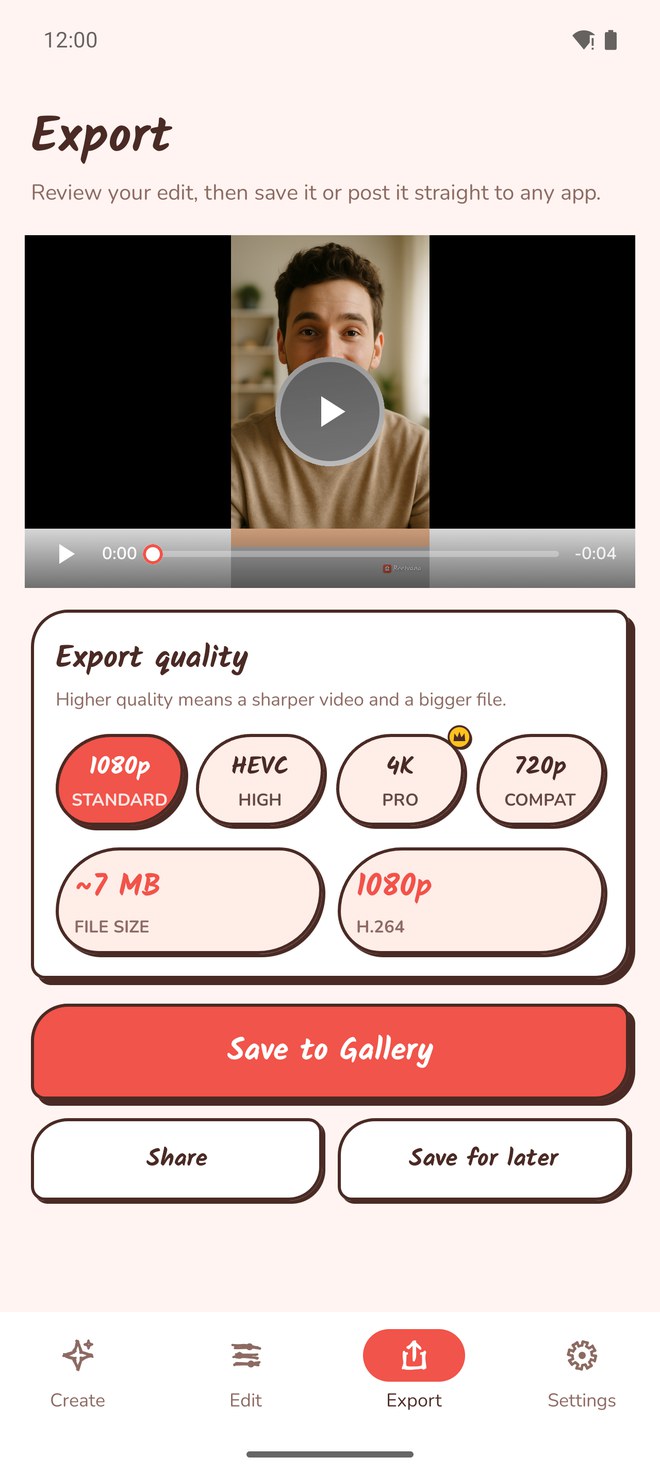
When the clip is done, export your video and share it to any app through the system share sheet.
- Share to any app through the system share sheet
- Only the apps installed on your phone show up
- Or save the finished video straight to your library
And a few more, while we're here
Smaller tools, so you don't need another app for them.
Rotate and reframe
Rotate 90 degrees and lock to 9:16, 1:1, 16:9, 4:5, or the original. Reframe a landscape take for vertical in seconds.
Edit by transcript
Delete a sentence by deleting its text. Reelvana transcribes the clip and lets you strike out the boring bits like editing a document.
Pull shorts from a long take
Point Reelvana at a long take and it surfaces the strongest moments as ready-to-post short candidates you can open and refine.
Blur or replace it
On-device person segmentation blurs a busy room or drops in a clean color behind you. No green screen, no upload. A Pro feature.
Brand every export
Add your name, handle, or logo as text or image. Set position, opacity, and scale; it burns in at export. Or turn it off completely.
Pick up where you left off
Name and save your edits as projects. Close the app, come back tomorrow, and your timeline, captions, and watermark are right where you left them.
Put text anywhere
Add a title as its own timeline layer. Pick from 73 bundled Latin and Arabic fonts and 48 styles, then position, rotate, and time it separately from captions.
41 moves for every clip
Choose how a clip enters, loops, or leaves. Every animation has a short description in English and Arabic, and transitions stay separate at the joins.
Light, dark, or follow your phone
Use the warm light theme, switch to neutral graphite, or match your device. The app theme never changes the color of your exported video.
Simple pricing
Reelvana is free to use. Pro adds a custom watermark or no watermark, premium transitions, background effects, premium caption styles and animations, up to 300 minutes of cloud captions a month, and up to 100 AI script generations a month.
Your video never leaves your phone
Your video stays on your device. Recording, the teleprompter, editing, background effects, and watermarking all run on the phone and work offline. On-device captions run on the phone too, and work offline once the speech model has downloaded. Three features send your content to the cloud, and only when you use them: cloud captions send the clip's audio, AI script writing sends your topic or script, and Vana can send a spoken command for transcription. Vana asks before its first upload, and you can keep command recognition on the device instead. None of these features sends your video. Reelvana shows no ads, and we never sell your data. The Android app uses Google's ads attribution SDK for install attribution. Like most apps, Reelvana uses Firebase and RevenueCat for crash reports, basic analytics, and purchases.
Questions, answered
The things creators ask most before they switch.
What does Reelvana do?
One app for the whole path from a written script to a finished talking video: write or generate the script, read it off a teleprompter that scrolls at your pace, record, cut silence and filler, caption on device, edit on a timeline with transitions, animations, titles and color looks, add your watermark, and export.
Does my video leave my phone?
Your video never leaves your phone. The teleprompter, on-device captions, cleanup, editing, background effects and watermarking all run on the device. Three features send your content to the cloud, and only when you use them: cloud captions send the clip's audio, AI script writing sends your topic or script, and Vana, the Pro voice assistant, can send a spoken command for transcription. None of them sends your video. No ads. The Android app uses Google's ads attribution SDK for install attribution. Reelvana uses Firebase and RevenueCat for crash reports, basic analytics, and purchases.
Does it work in Arabic?
Yes, and so does the whole interface. Reelvana is fully translated into Arabic with right-to-left layout, switchable while the app is open. The teleprompter lays Arabic out right to left automatically, captions transcribe Arabic with a model you can pick for accuracy, and 36 of the 73 bundled title fonts are Arabic faces.
Will my music keep playing?
Yes. Reelvana records with a mix-with-others audio session, so a song or backing track in another app keeps playing while you film in HD.
How do captions work?
Your speech is transcribed on device with Whisper, then burned in at export. 15 styles including a karaoke per-word highlight, 6 animations and 6 one-tap templates, with control over position, size, caps and plate color. You can edit the result by line or by word, and an optional cloud model is there when you want more accuracy.
Is Reelvana free?
Yes, and no account is needed. Sign-in is optional. Pro adds a custom watermark or no watermark, export up to 4K, the 20 premium transitions, premium clip animations and speed ramps, premium text styles, premium caption styles and animations, background effects, color looks, voice enhancement, Vana, up to 300 minutes of cloud captions a month, and up to 100 AI script generations a month.